
零基础——用 AI Agent 做 bulk RNA-seq 差异分析 | 全程复制粘贴
本教程以workbuddy作为AI agent,Hy3作为AI API为例。
教程结构:
- Step 1|安装 bulk-RNA-seq 技能(只需一次)
- Step 2|配置运行环境(只需一次)
- Step 3|跑通示例数据
- Step 4|换成你自己的数据
- Step 5|读懂 REPORT.md
- Step 6|多分组时自己挑对比算 DEG
- 更多分析|下游技能简介(富集分析 / 指定基因柱状图)
Step 1|Install the bulk-RNA-seq skill
输入《Install the bulk-RNA-seq skill》的prompt:
Please install the "bulk-RNA-seq" skill for me, into the D:\claw2bio folder:
1. Create a folder named claw2bio in the root of the D: drive (if it doesn't exist yet).
2. From the GitHub repository https://github.com/nihuanhe/claw2bio, fetch ONLY the folder
   bioinformatics/bulk_RNA_seq/bulk-RNA-seq (use sparse checkout — do NOT clone the whole
   repository), and place it at D:\claw2bio\bulk-RNA-seq.
3. If downloading from GitHub fails or is too slow, download the zip from this mirror link instead:
   https://my-website-1358159656.cos.ap-guangzhou.myqcloud.com/bulk-RNA-seq/zip/bulk-RNA-seq.zip
   and extract it to D:\claw2bio\bulk-RNA-seq.
4. Read the SKILL.md inside, then confirm to me that the skill is ready and list the contents
   of the folder.
(If my PC has no D: drive, install to C:\claw2bio instead and tell me the actual path.)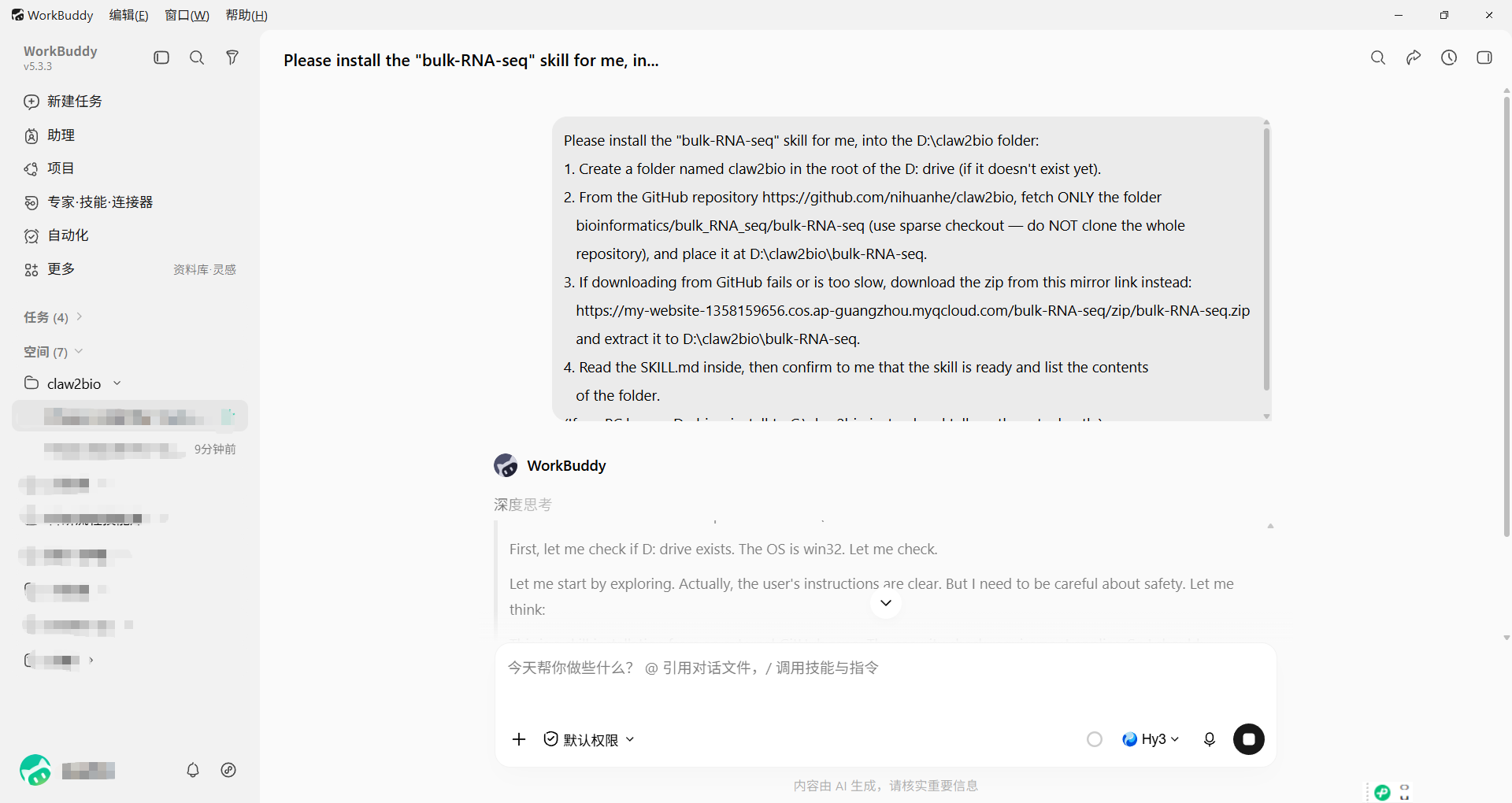
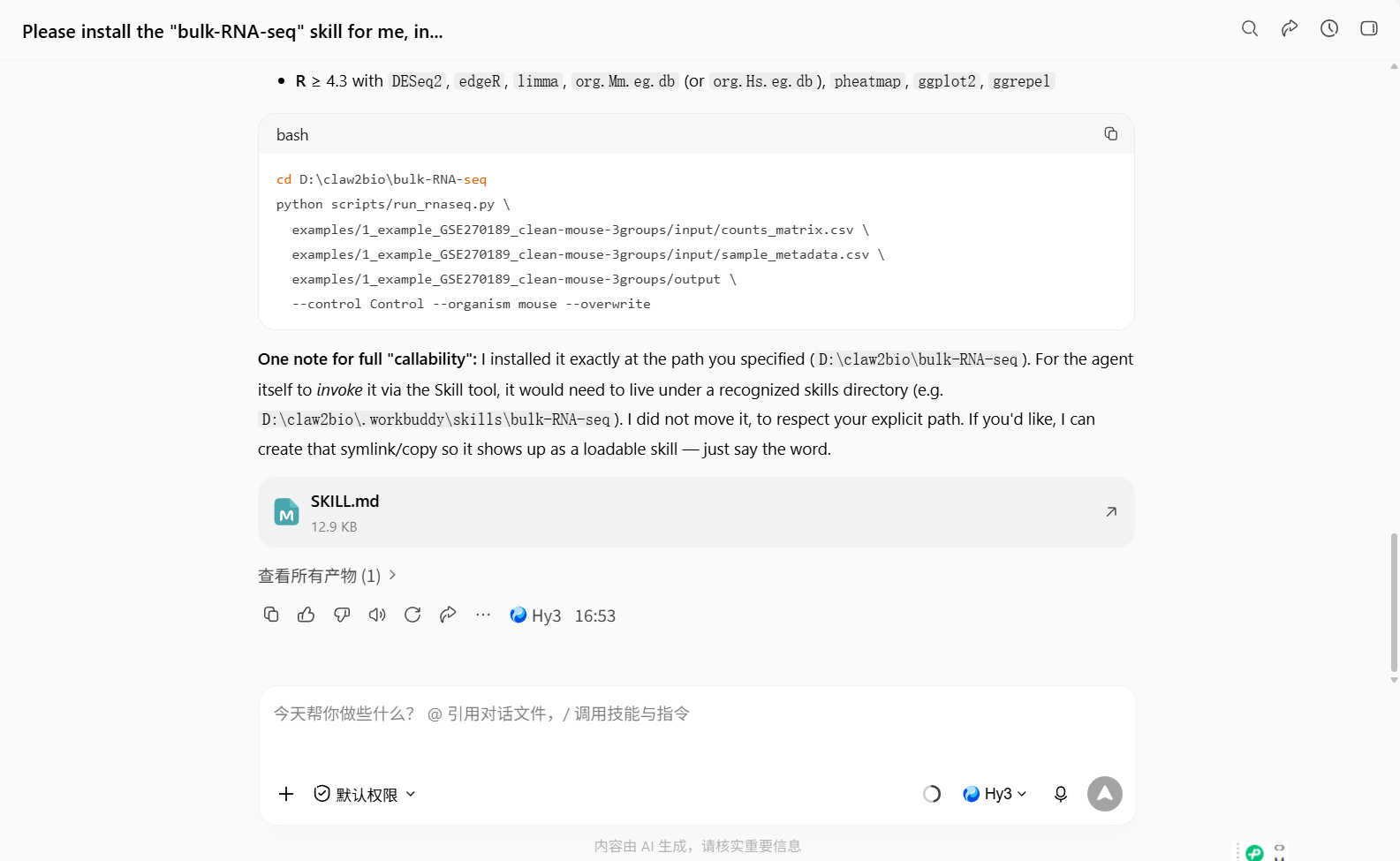
Step1完成:
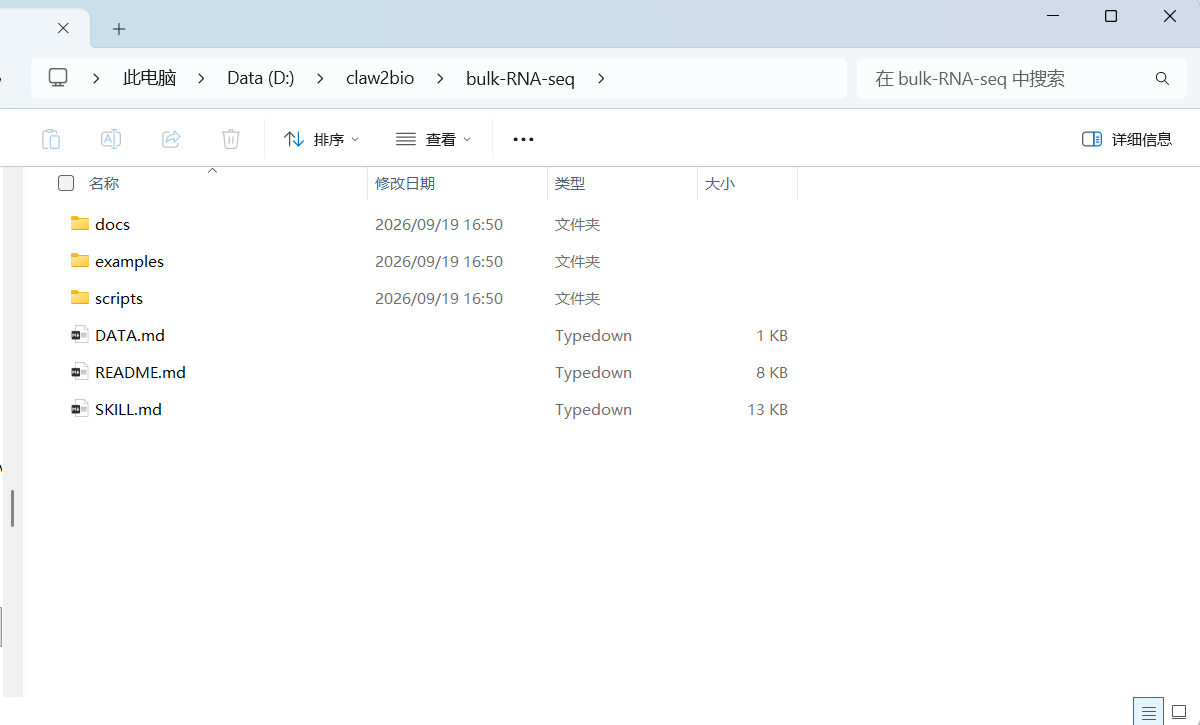
查看文件管理器:
Step 2|Set up the runtime environment
输入prompt:
Please set up the runtime environment for me:
1. First, SEARCH THIS PC for an existing R installation. If R is already installed,
   report its version to me; if the version is BELOW 4.5, advise me to install a newer
   version and wait for my confirmation. Only if R is NOT installed at all, install
   R version 4.5 or above (Windows), downloaded from the official R website (CRAN),
   accepting all default options.
2. Install all R packages this skill needs: try CRAN / Bioconductor online first;
   if any package fails or is too slow (especially large annotation packages such as
   org.Hs.eg.db and org.Mm.eg.db), stop and tell me about it — I will provide a
   mirror download address.
3. When everything is installed, run the dependency-check script scripts/00_check_deps.R
   inside the skill folder and show me the result.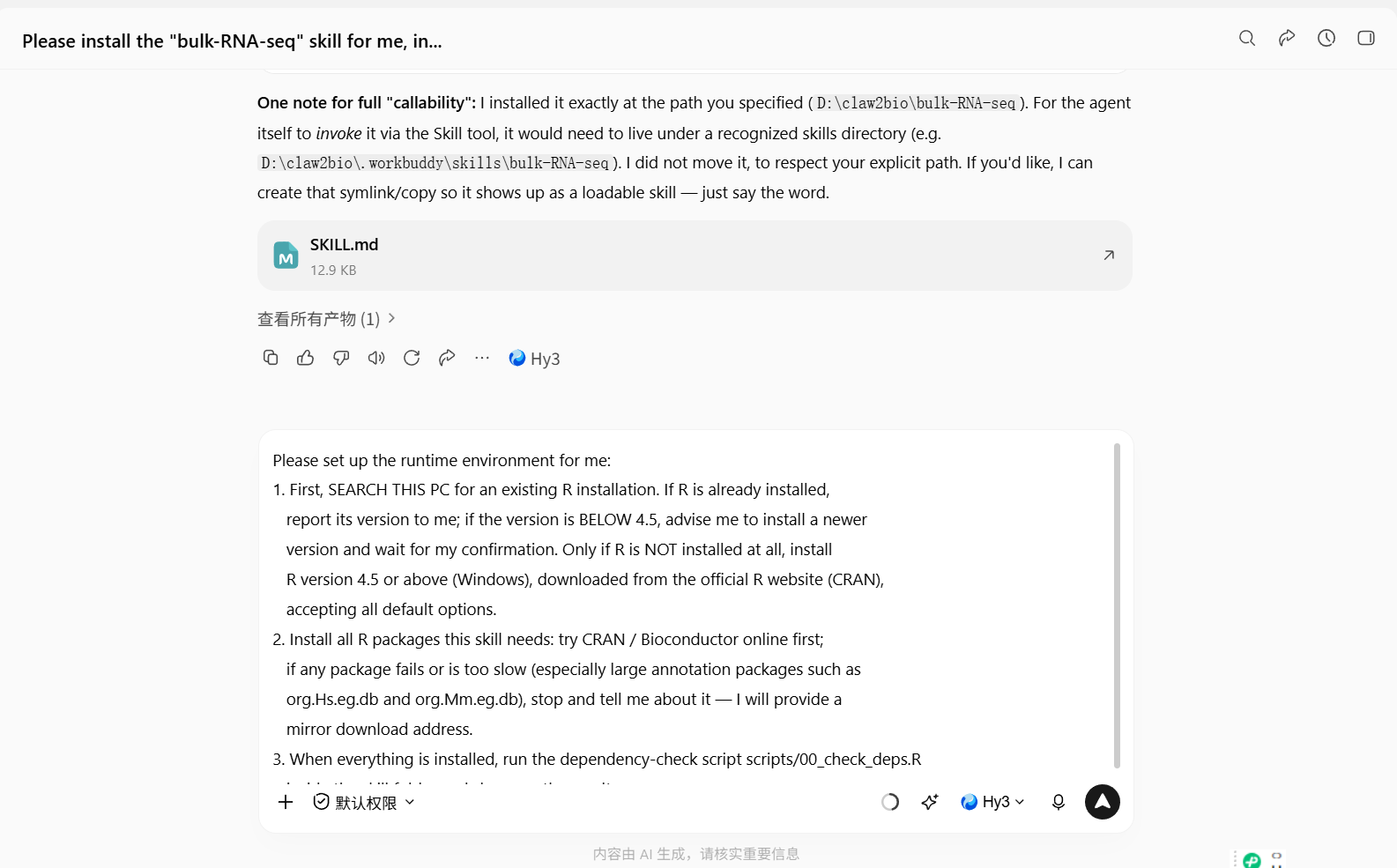
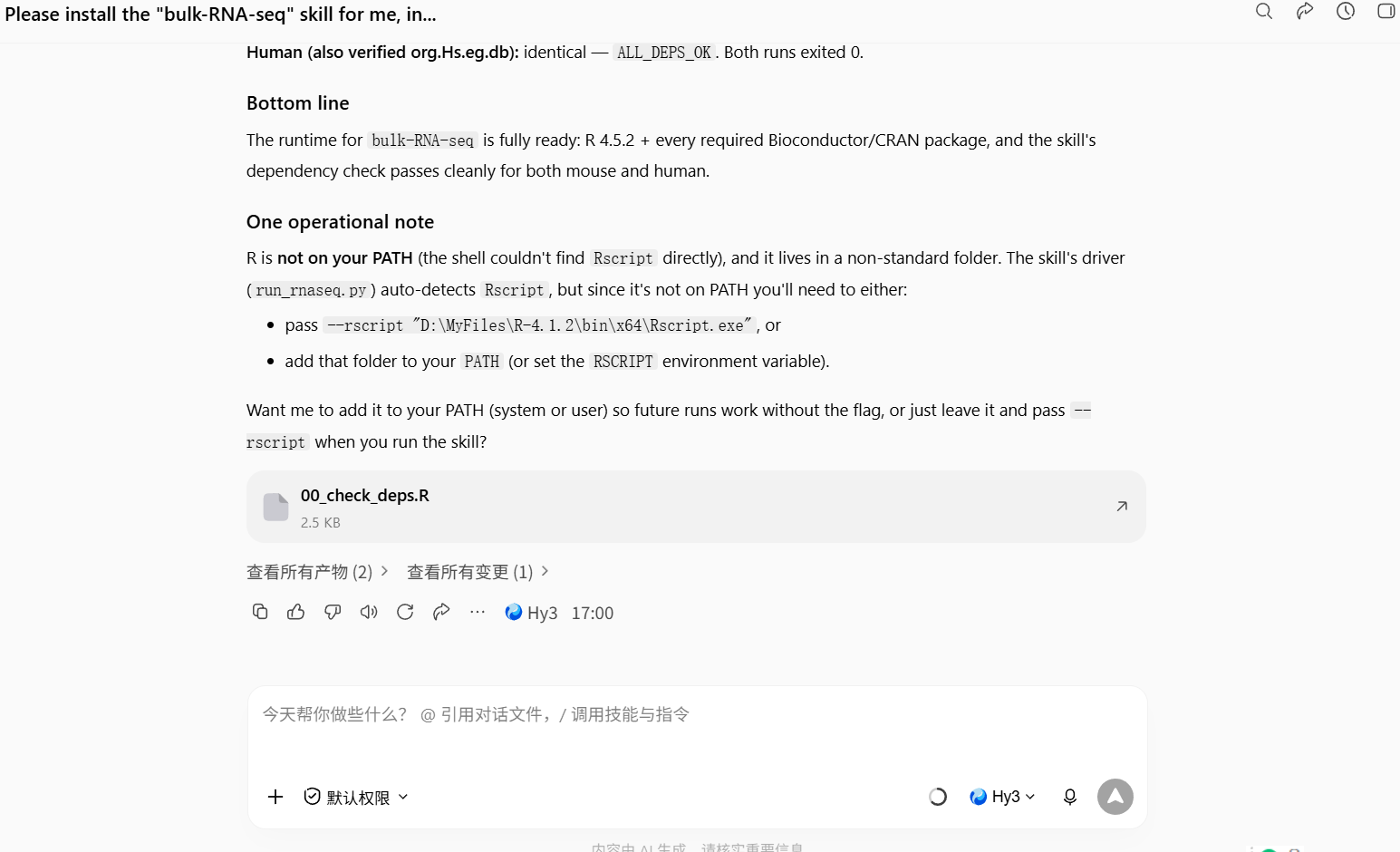
step2结束,AI agent会告诉你本机安装的R语言版本和脚本位置。
离线安装(网络慢/装不上时)
如果 CRAN / Bioconductor 在线安装太慢或失败,可以改用我们托管在 COS 的离线依赖包(共 139 个 R 包的完整闭包,R 4.5 Windows 二进制版本,已用本技能脚本实测验证):
1. 下载 r-deps 离线仓库(约 425 MB):
https://my-website-1358159656.cos.ap-guangzhou.myqcloud.com/bulk-RNA-seq/deps/r-win/r-deps.zip下载后解压,然后在 R 中运行(把 <path-to> 换成解压目录的实际路径):
install.packages(c("DESeq2", "edgeR", "limma", "clusterProfiler", "DOSE",
                   "enrichplot", "org.Mm.eg.db", "org.Hs.eg.db",
                   "pheatmap", "ggplot2", "ggrepel"),
                 repos = "file:///<path-to>/r-deps", type = "win.binary")
R 会根据仓库自带的 PACKAGES 索引自动解析依赖顺序。
2. 也可以按需单独下载 OrgDb 注释包:
| 文件 | 包 | 类型 |
|---|---|---|
| org.Mm.eg.db_3.22.0_R4.5_win-binary.zip | org.Mm.eg.db(小鼠) | Windows 二进制,R 4.5 |
| org.Hs.eg.db_3.22.0_R4.5_win-binary.zip | org.Hs.eg.db(人) | Windows 二进制,R 4.5 |
| org.Hs.eg.db_3.22.0.tar.gz | org.Hs.eg.db(人) | 源码包,跨平台 |
单包安装方法(在下载目录下运行 R):
install.packages("org.Mm.eg.db_3.22.0_R4.5_win-binary.zip",
                 repos = NULL, type = "win.binary")
⚠️ 以上离线包均为 R 4.5.x 编译。如果你的 R 版本不是 4.5.x,请改走在线安装
BiocManager::install(...)。
Step 3|跑通示例数据
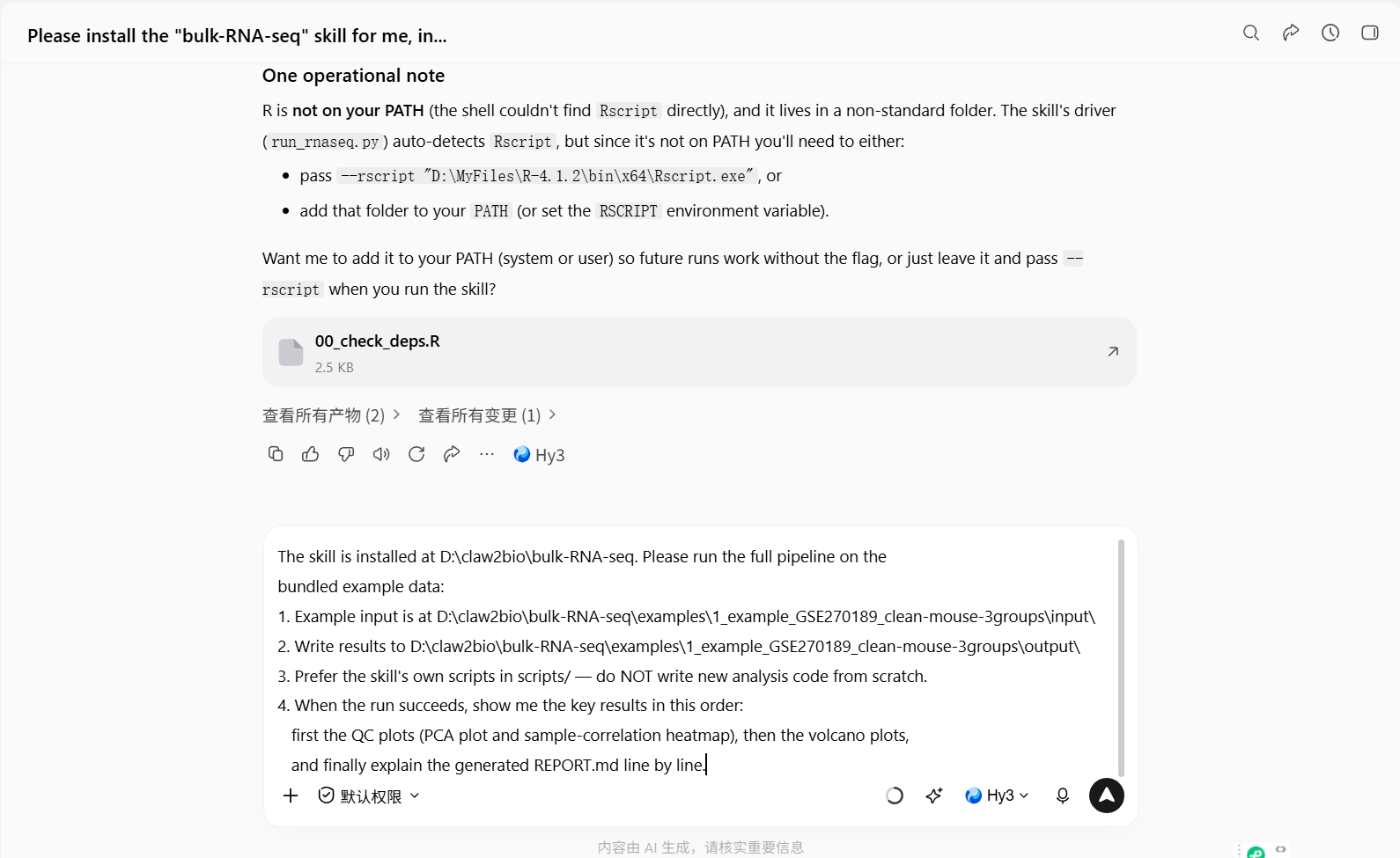
输入prompt:
The skill is installed at D:\claw2bio\bulk-RNA-seq. Please run the full pipeline on the
bundled example data:
1. Example input is at D:\claw2bio\bulk-RNA-seq\examples\1_example_GSE270189_clean-mouse-3groups\input\
2. Write results to D:\claw2bio\bulk-RNA-seq\examples\1_example_GSE270189_clean-mouse-3groups\output\
3. Prefer the skill's own scripts in scripts/ — do NOT write new analysis code from scratch.
4. When the run succeeds, show me the key results in this order:
   first the QC plots (PCA plot and sample-correlation heatmap), then the volcano plots,
   and finally explain the generated REPORT.md line by line.
step3,开始:
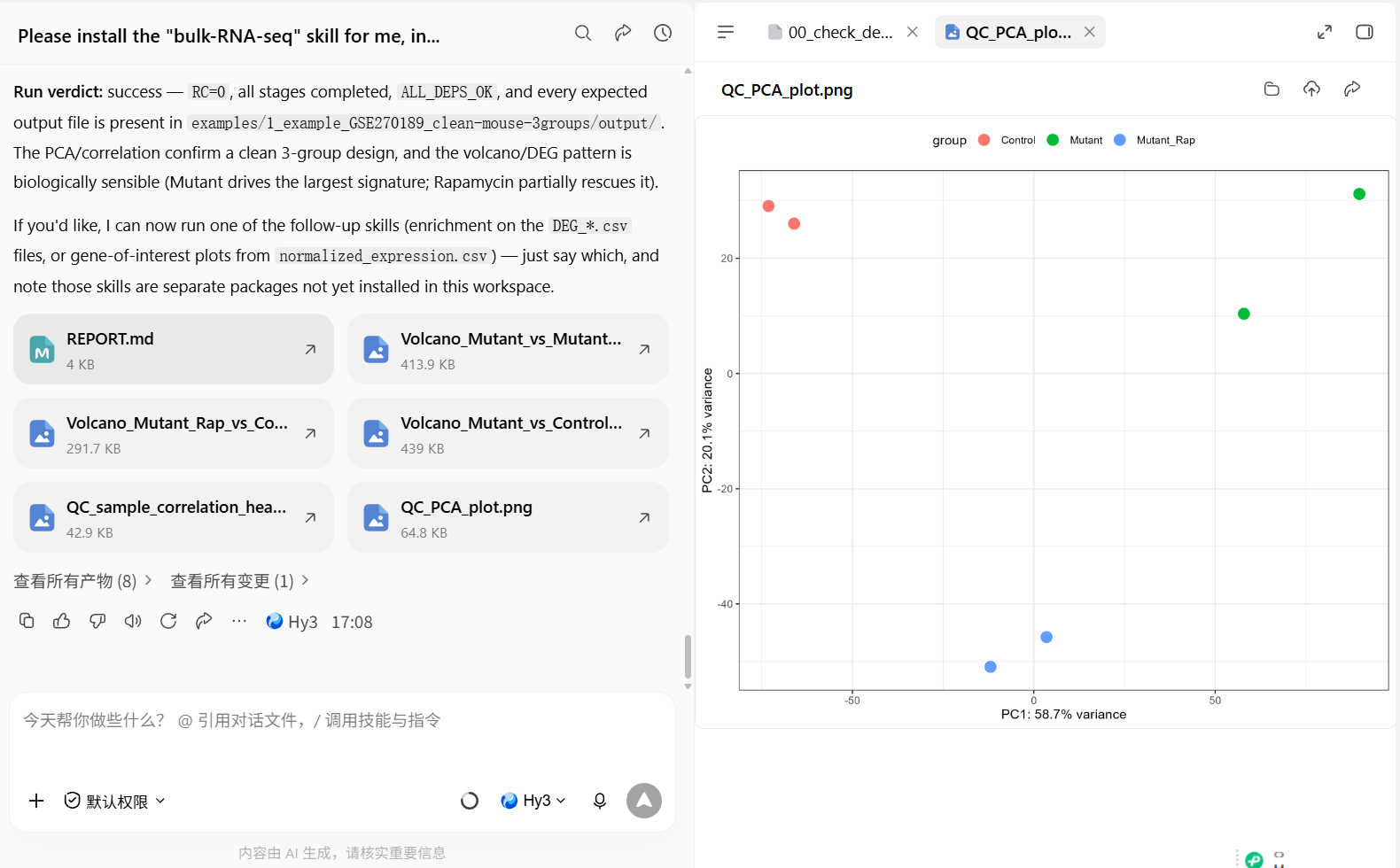
step3,结束。看看QC_PCA_plot:
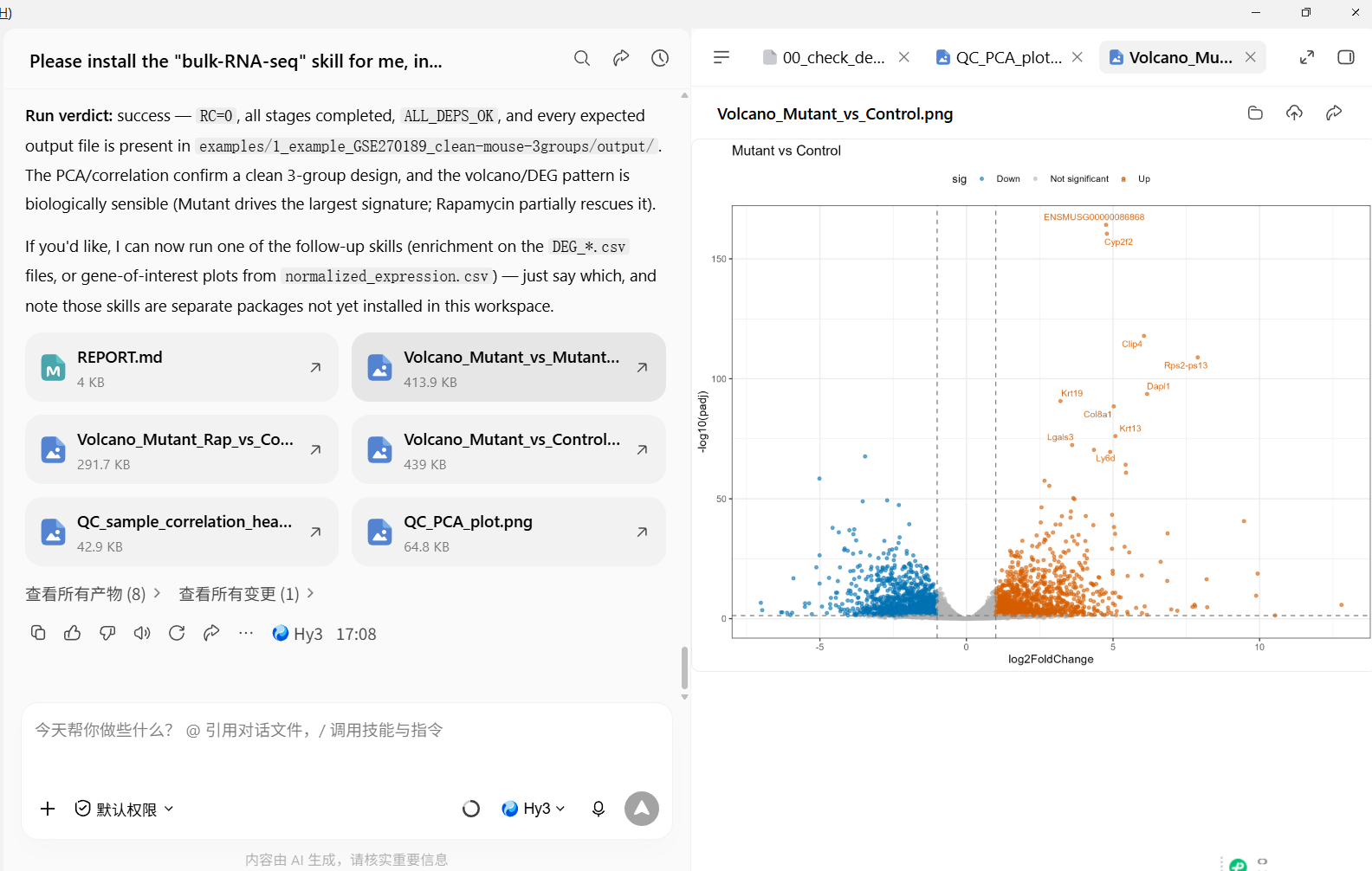
step3,结束。看看火山图:
第 4a 步|手上还没有数据?先从 GEO 抓一份公开数据(复制粘贴即可)
大多数人第一天手上并没有自己的矩阵。GEO(Gene Expression Omnibus)上有几十万套公开数据集—— 你只需要一个编号,比如 GSE223159。
把下面这段 prompt 粘进去(数据由 agent 帮你下载,不用自己翻网页、不用手动解压):
我手上还没有自己的数据。请帮我从 GEO 下载公开数据集 GSE223159:

1. 下载到 examples/input/(用 GEOquery::getGEOSuppFiles / getGEO,或 NCBI 的下载链接,
   哪种可行就用哪种;如果下载很慢或被墙,先告诉我再重试)。
2. 然后用大白话告诉我:
   - 这是原始 counts 矩阵,还是已经归一化的值(FPKM/TPM/logCPM)?
   - 有多少基因、多少个样本?
   - 带样本分组信息吗?如果带,分组是什么?
   - 它能不能直接用来做差异表达分析?如果不能,缺什么、需要先修什么?
3. 先不要跑分析——只把这份数据是什么告诉我。
看清 agent 的回复后,再用下面的第 4 步,把数据文件路径换成它保存的位置。 (换成任何你感兴趣的 GSE 编号都可以,把 GSE223159 替换掉即可。)
Step 4|Switch to your own data
此时,我们就可以使用自己的bulk RNA-seq的矩阵数据进行生信分析了。
此处,我们假设GSE223159这个数据是你自己的矩阵:
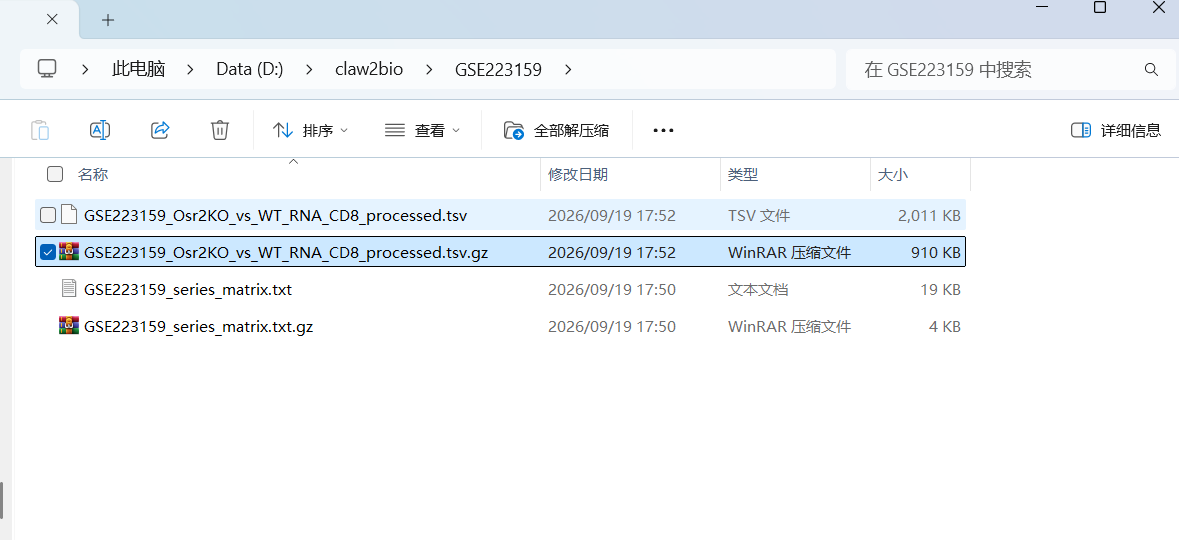
粘贴prompt:
My data is at: <paste the path to your data file here>.
Please first check whether my data has any format problems; if so, fix them and tell me
what you did. Once the data checks out, run the full pipeline and show me the result
figures and the DEG tables.
Prefer the skill's own scripts in scripts/; if anything needs adapting, make the smallest
possible change — do NOT write large amounts of new code.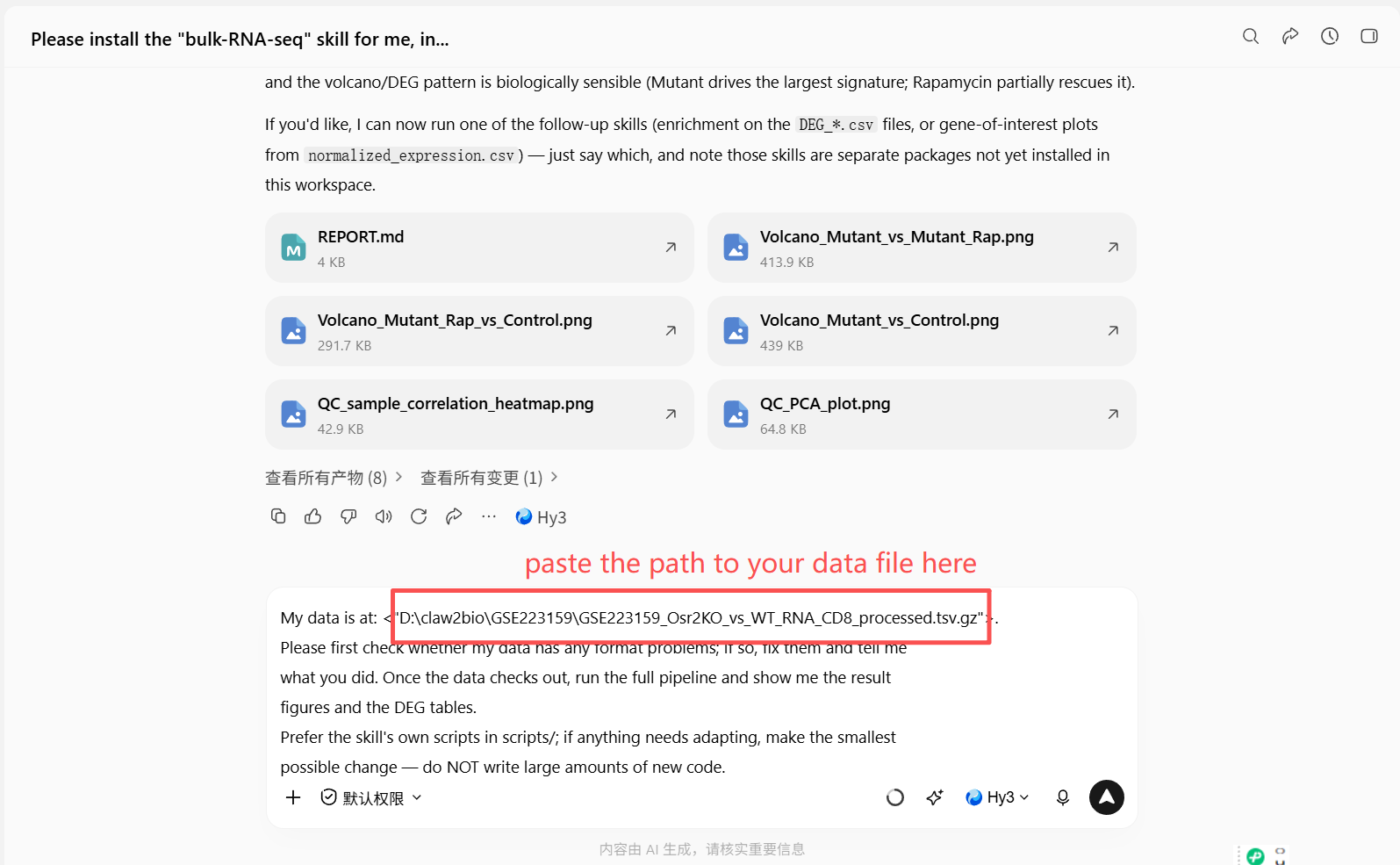
等候AI agent运行结束:
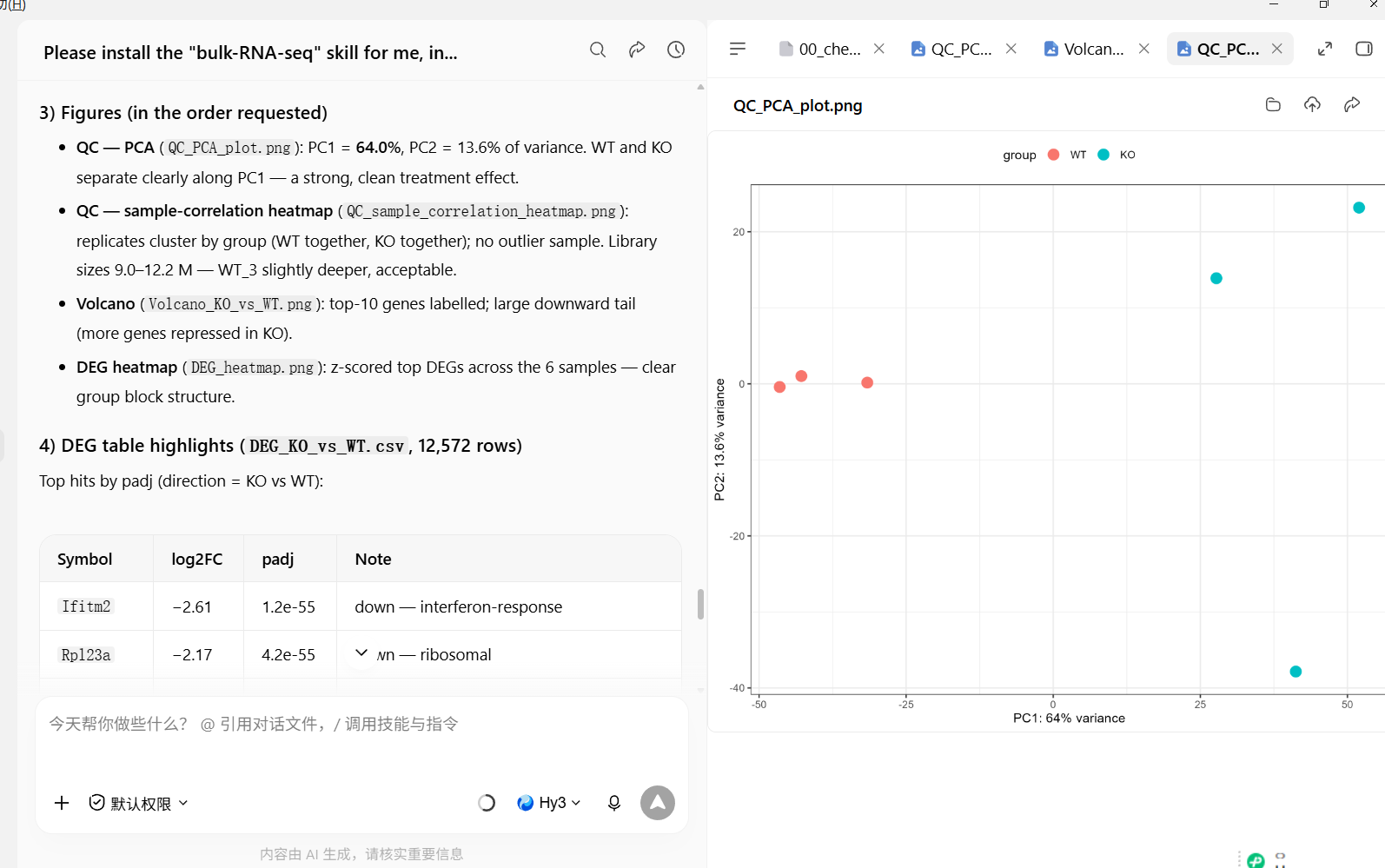
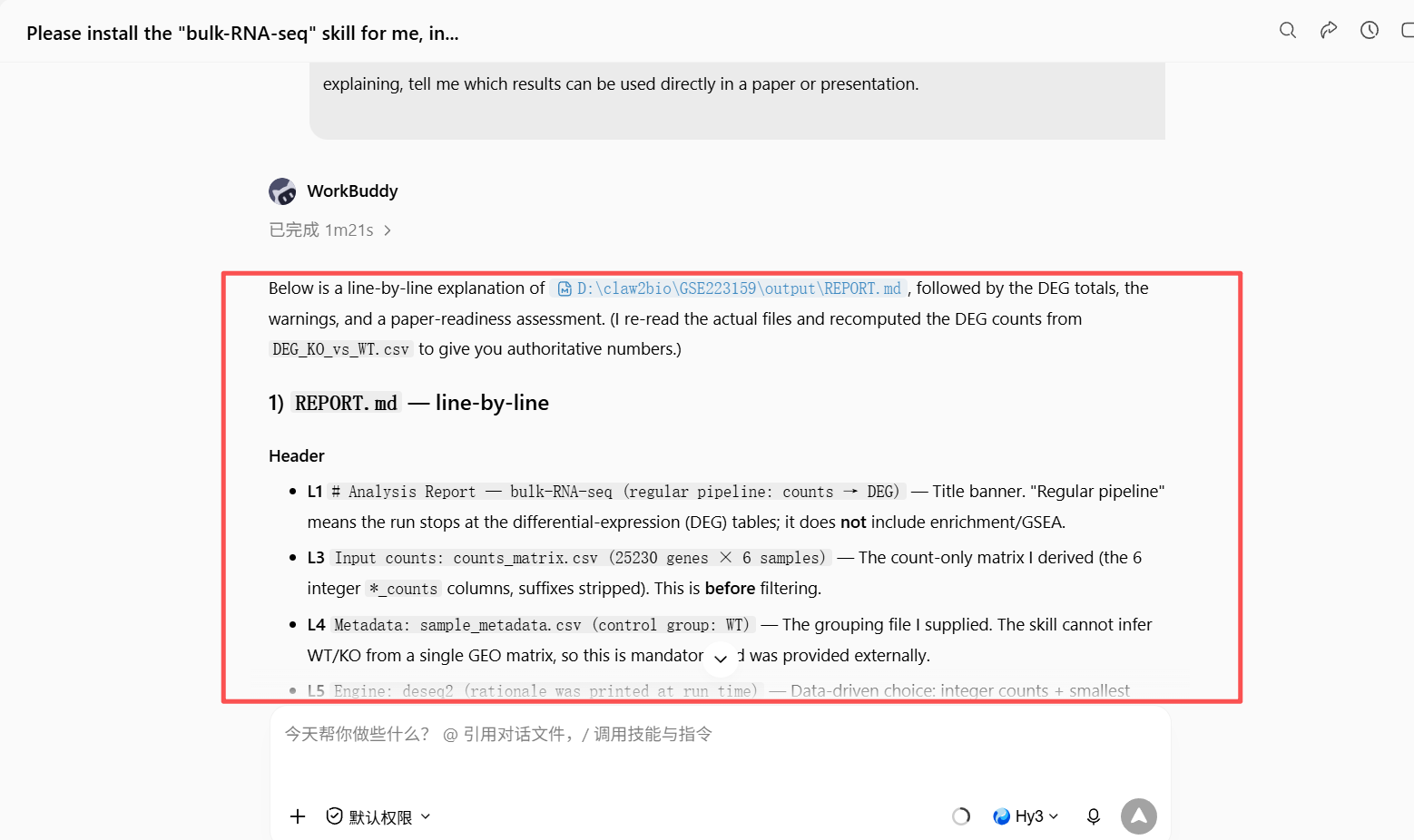
Step 5|Read the REPORT.md: summary and interpretation of your results
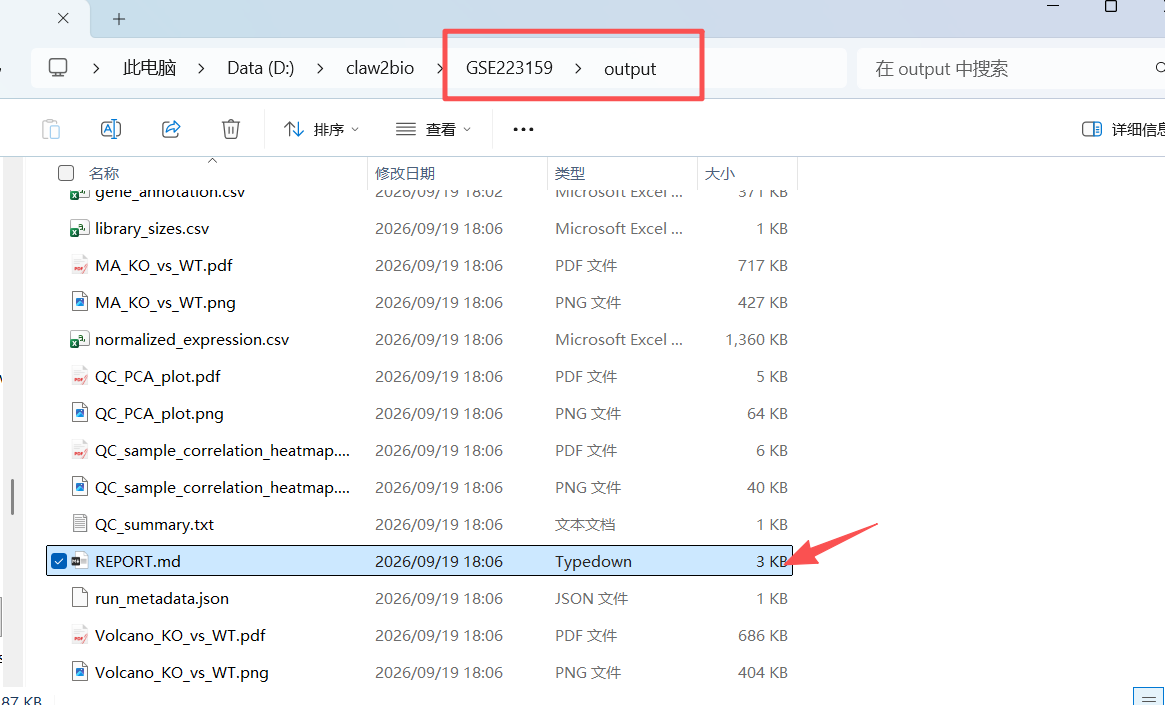
让AI 给你解析实验结果:
Please explain the REPORT.md in my results folder line by line:
1. What each output file is and what it contains;
2. How many differentially expressed genes were found in total, and how many are
   up- vs down-regulated;
3. Any warnings or things I should pay attention to (e.g., sample quality, group balance).
After explaining, tell me which results can be used directly in a paper or presentation.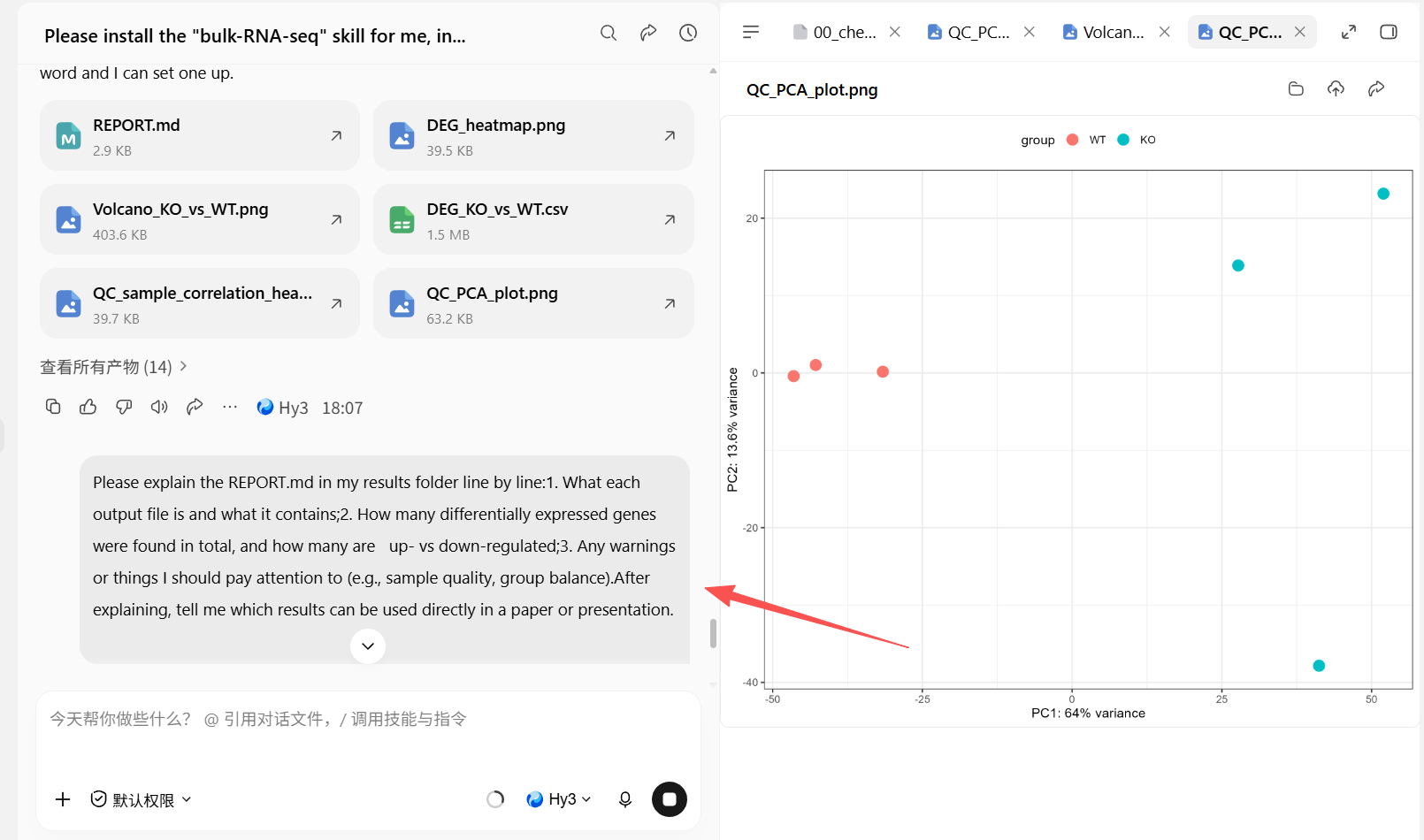
阅读完AI的解释,如果有不懂的直接问它:
Step 6|More than 2 groups? You pick the comparisons for DEG(差异分析)
输入prompt:
My samples have multiple groups. Please read my sample-metadata table first, list all
group names with the number of samples in each, and show me the list.
Do NOT start the analysis yet — wait until I tell you which comparisons to run.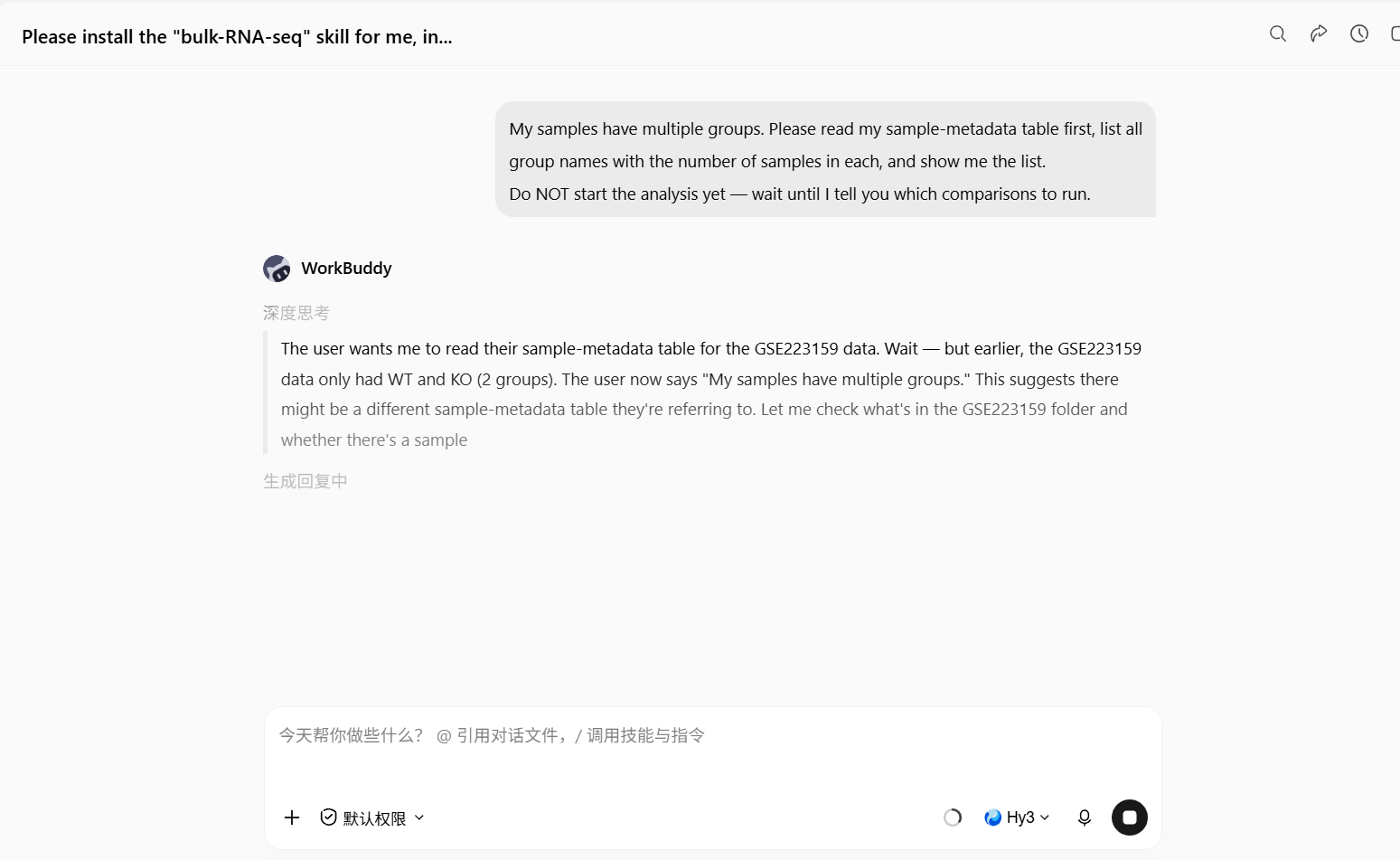
AI agent会把全部分组给你显示处理,或者去文件夹看分组文件:
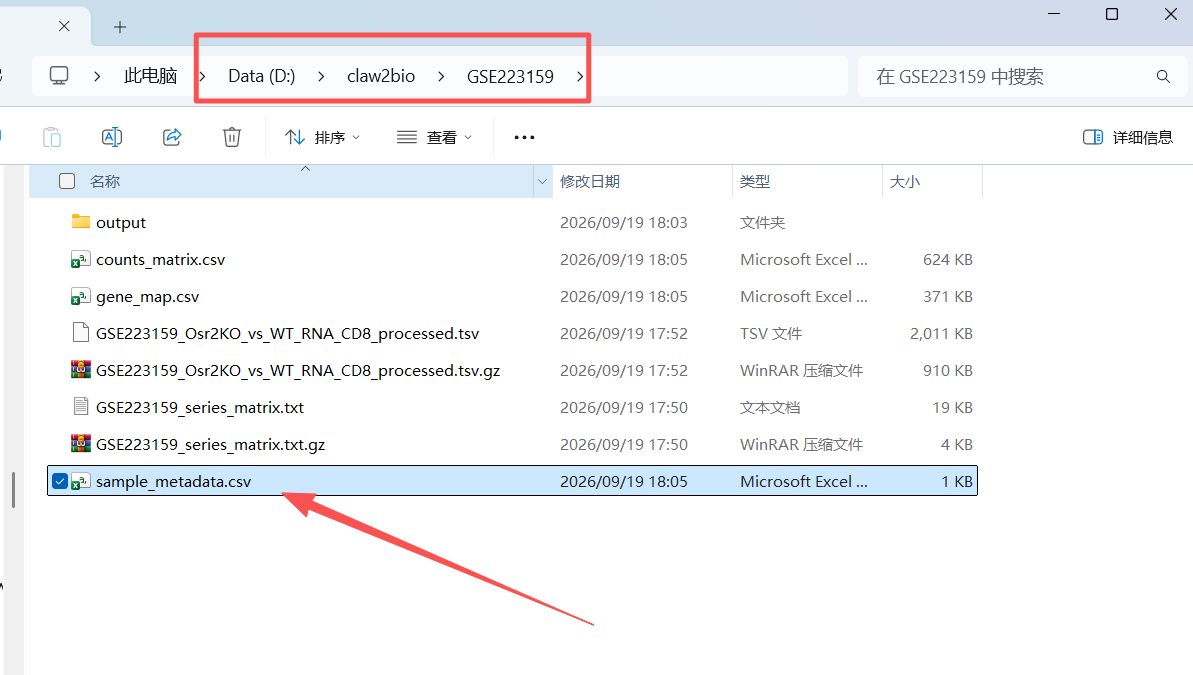
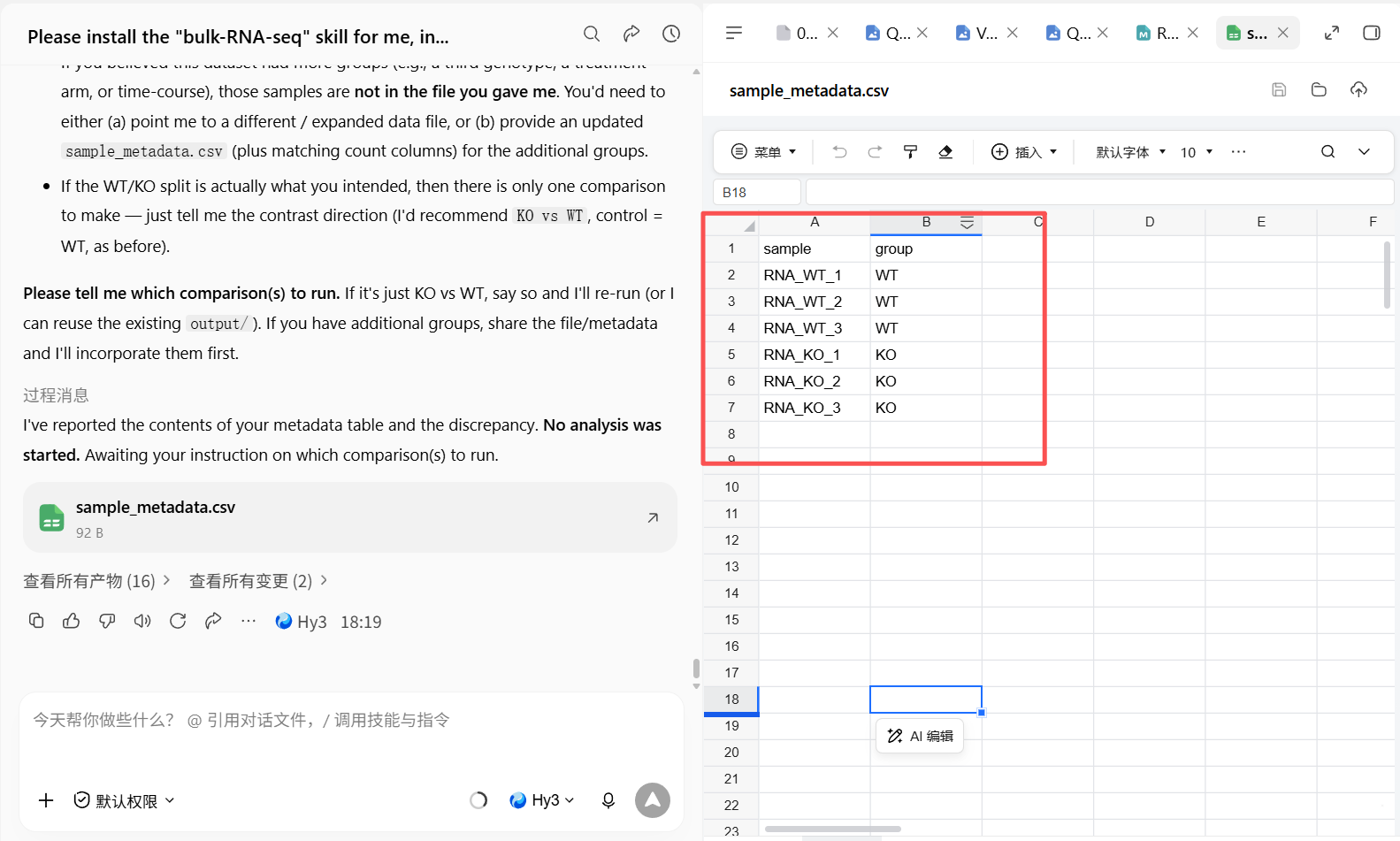
挑选分组对比进行DEG分析(RNA_WT vs RNA_KO,各自三个组),输入prompt:
Please compute ONLY these comparisons: <write them here, e.g., Model vs Control,
Treatment vs Model>, write the results to D:\claw2bio\bulk-RNA-seq\output, and show me
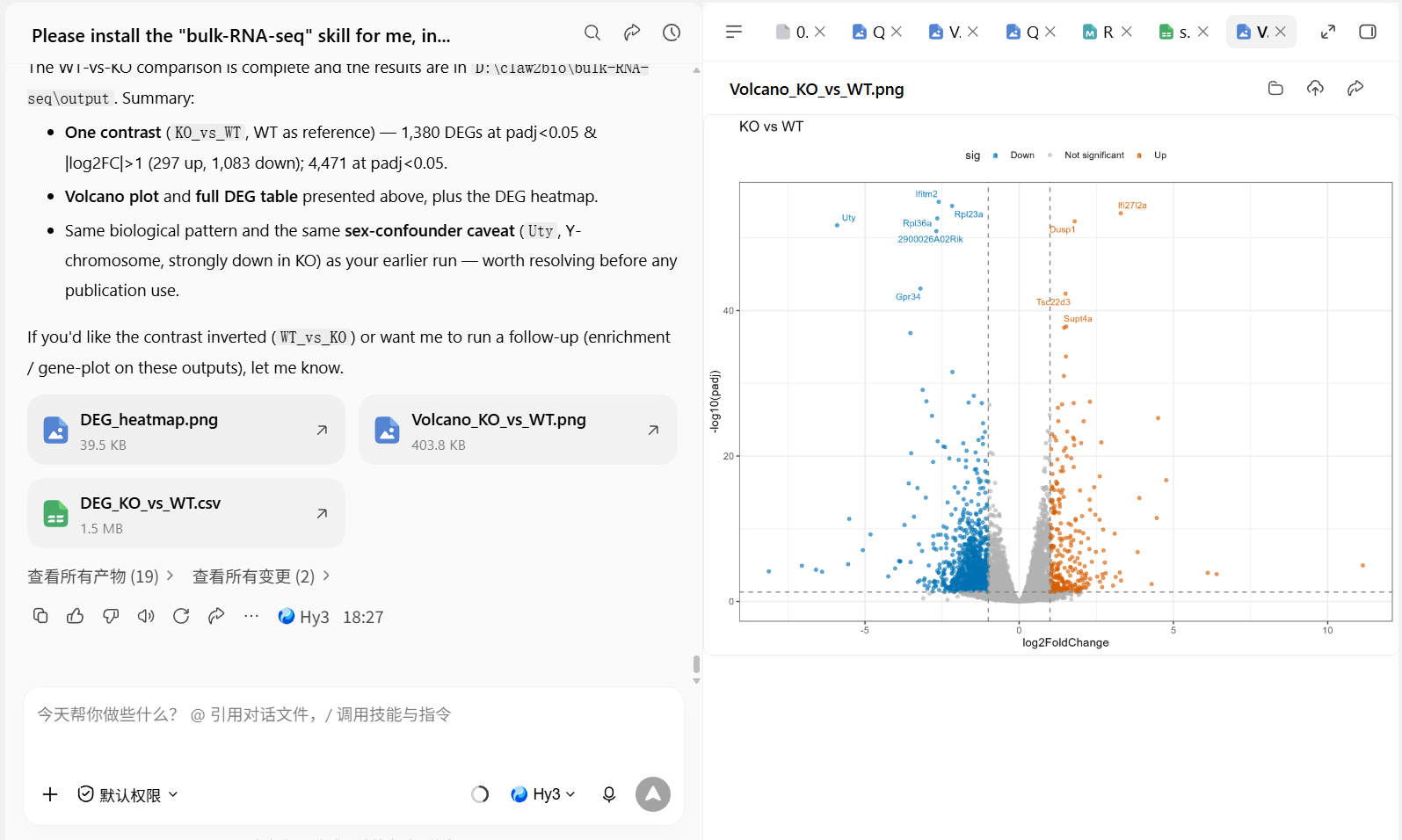
the volcano plots and DEG tables for each comparison.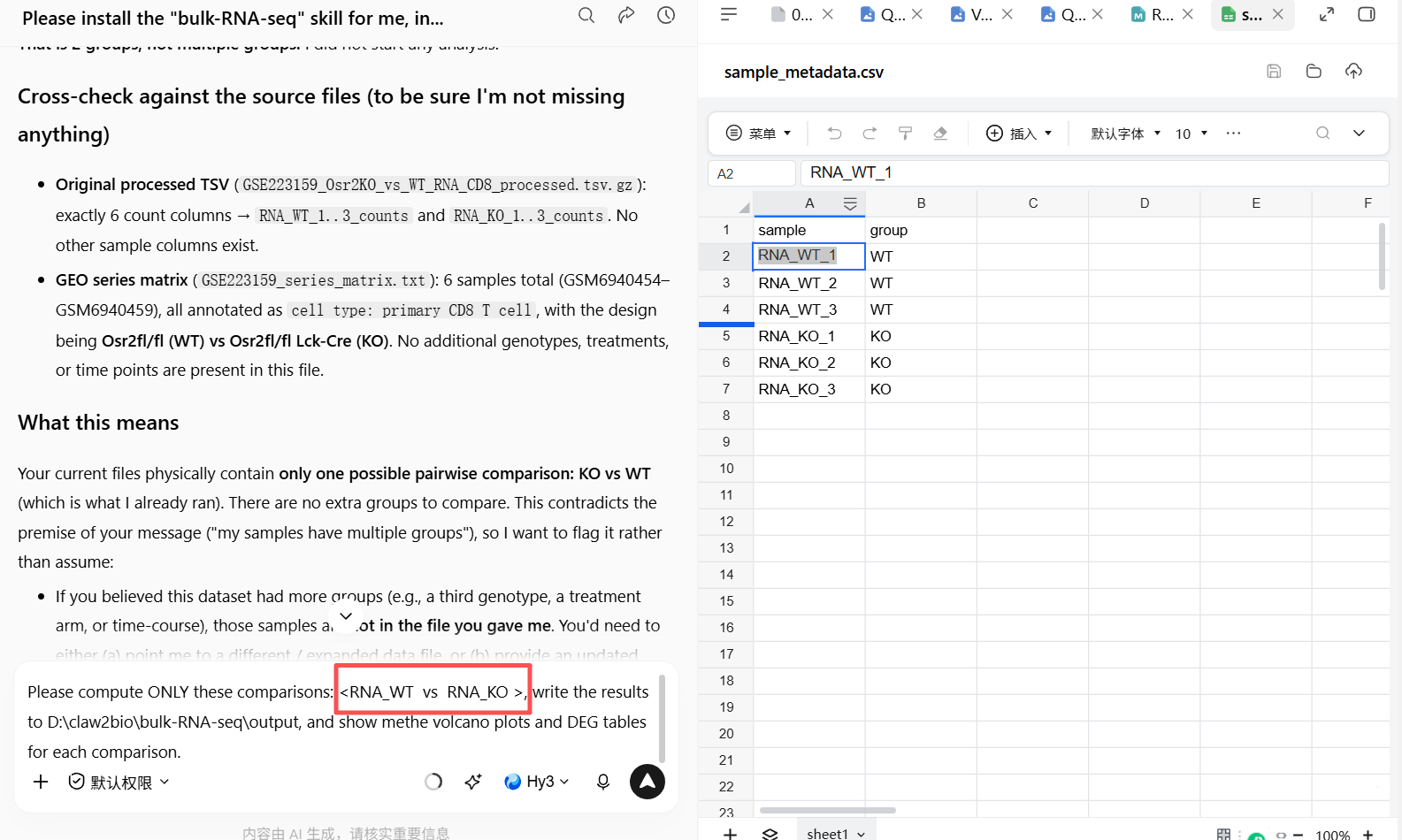
DEG分析结果:
更多分析
更多的分析比如KEGG,GO和GSEA,请看 www.claw2bio.site 的相关skill,保存你自己数据的output数据,就可进行。
本技能只做到差异分析(DEG)为止。下面两个下游技能直接吃本技能的 output 结果,安装方式与本技能完全相同(一键 prompt 或网站下载 zip 包):
富集分析(GO / KEGG / Reactome)—— RNA-seq-enrichment
一句话:DEG 表进,GO / KEGG / Reactome 富集表和点图出。
指向 bulk-RNA-seq 的输出目录(或任何含 DEG_*.csv 的文件夹),它会自动把每个对比拆成上调 / 下调两个基因集,用 clusterProfiler 分别做 GO(BP/MF/CC)、KEGG、Reactome 富集,每个方向 × 每个通路库各出一张表和一张点图。GO 和 Reactome 全程离线;KEGG 在线优先、失败自动回退本地缓存,断网也能出图。支持人和小鼠。
详细介绍与下载:/zh/skills/RNA-seq-enrichment
指定基因表达柱状图 —— RNA-seq-gene-plot
一句话:把某个基因从归一化矩阵里单独拎出来画图。
给它归一化表达矩阵 + 分组表,就能回答两类问题:
- 某基因在各组表达多少——柱状图 + SD 误差线 + 抖动散点,2 组 t 检验、≥3 组 ANOVA + Tukey,统计方法标在图注里;
- 同组内两个基因谁高谁低(如 TP53 vs GAPDH)——并列柱 + SD + 散点,每组内做配对 t 检验。
基因查询支持 Ensembl ID 或 Symbol(不区分大小写),只依赖 ggplot2,是最轻量的技能之一,适合论文里挑关键基因出图。
详细介绍与下载:/zh/skills/RNA-seq-gene-plot